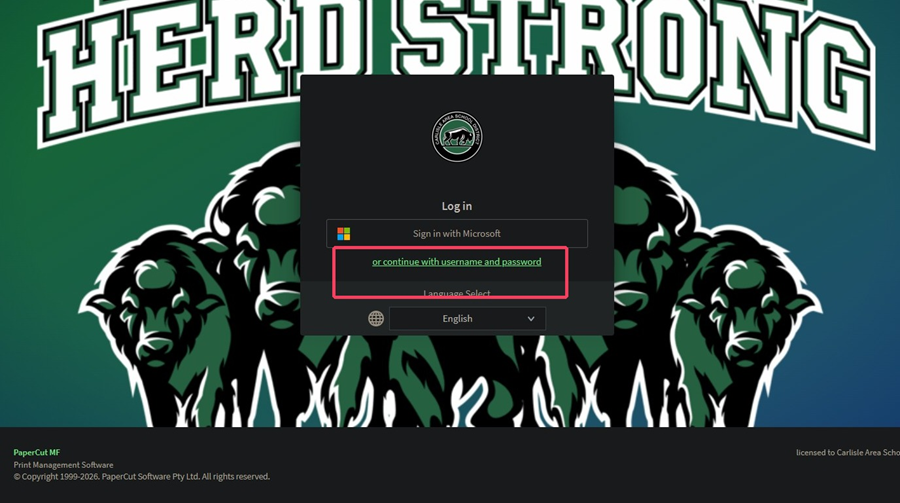
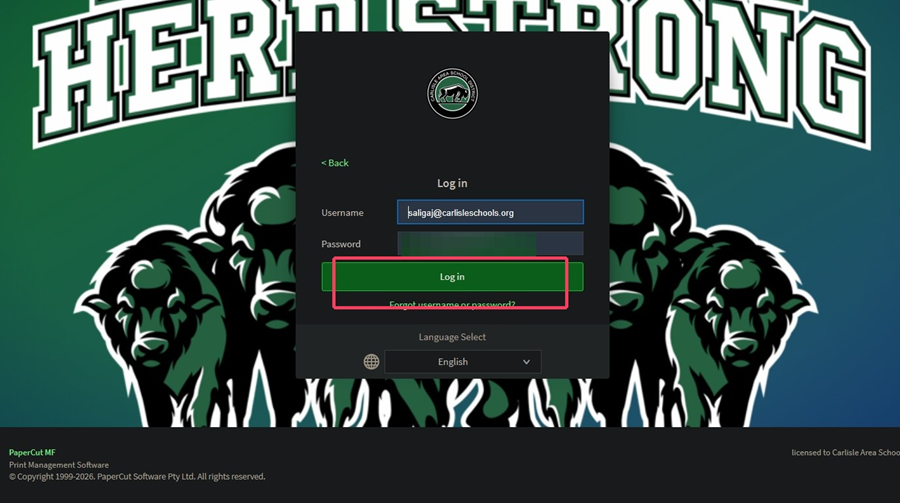
1. Navigate to https://print.carlisleschools.org/user and select or continue with username and password
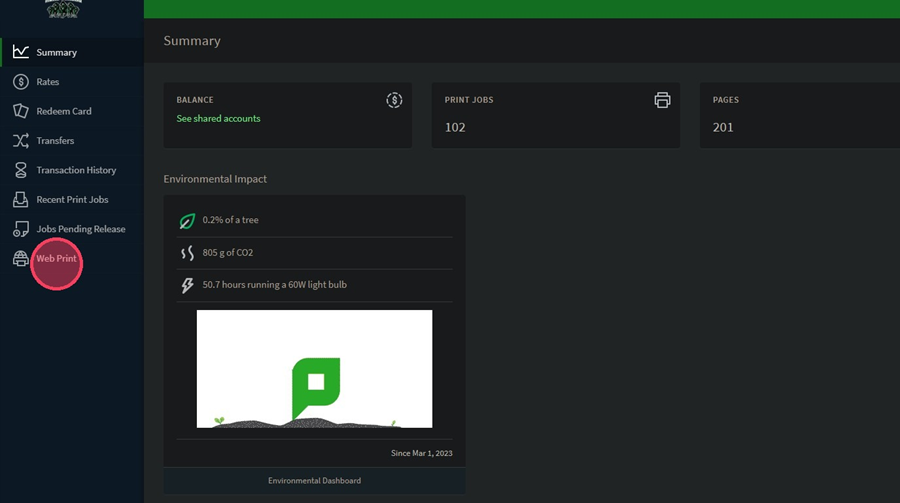
2. On the left sidebar menu, select Web Print
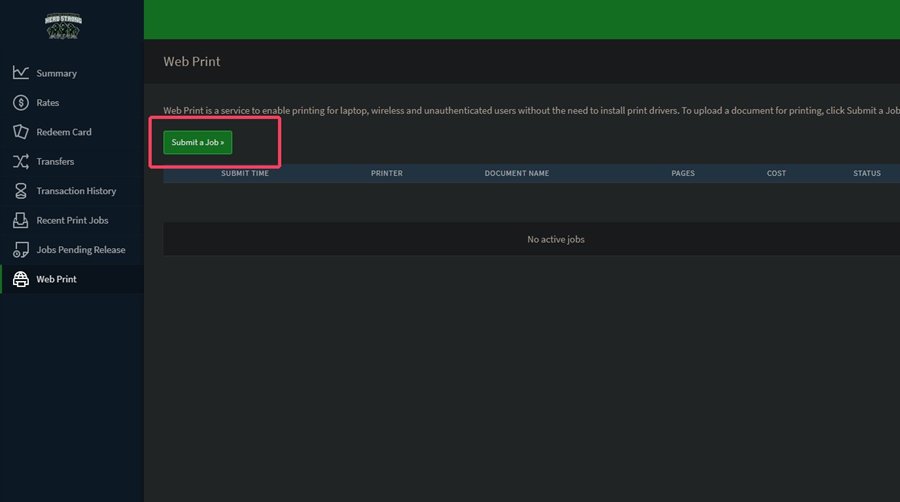
3. Click Submit a Job to start a new print request
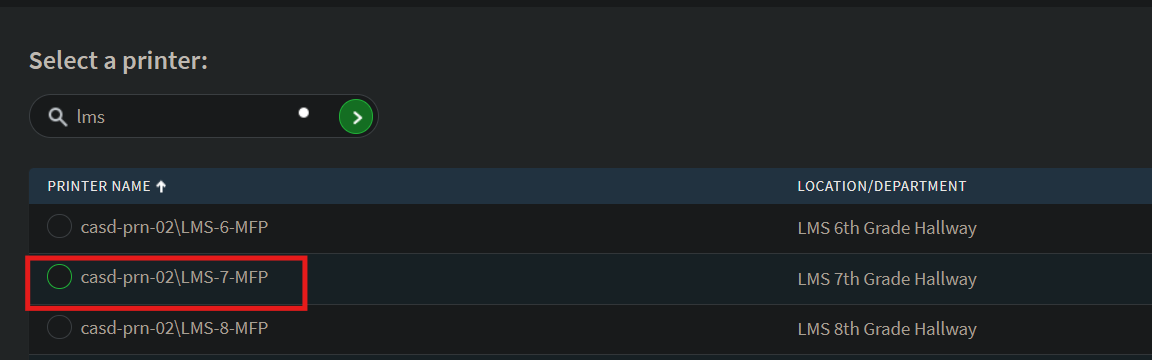
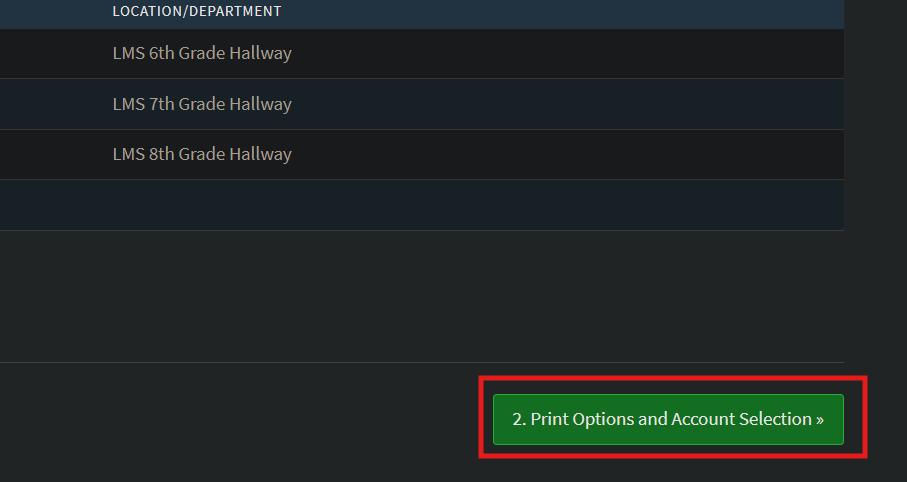
4. Select a printer by searching your building or finding it in the list. Click Print Options and Account Selection
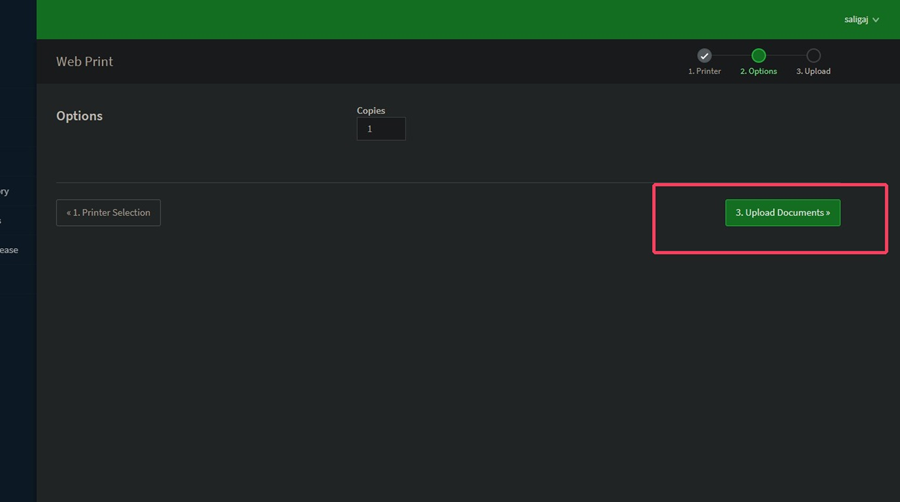
5. Click Upload Documents to proceed to the file selection screen
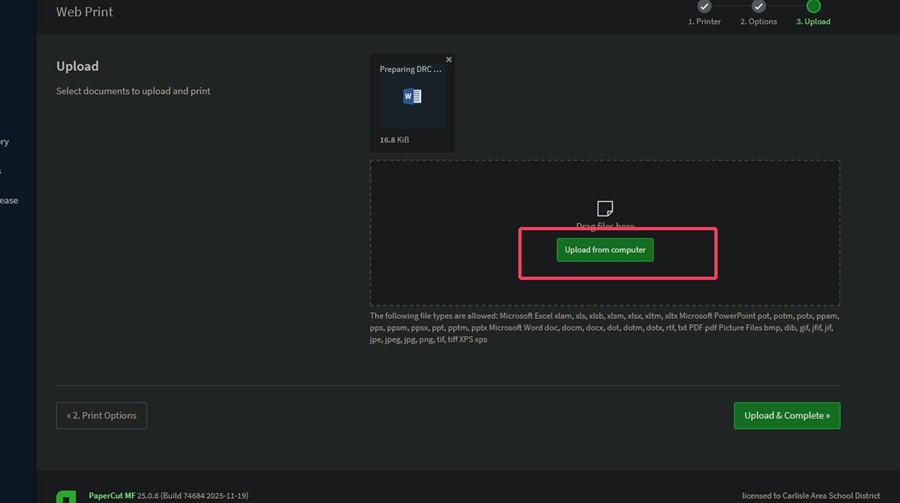
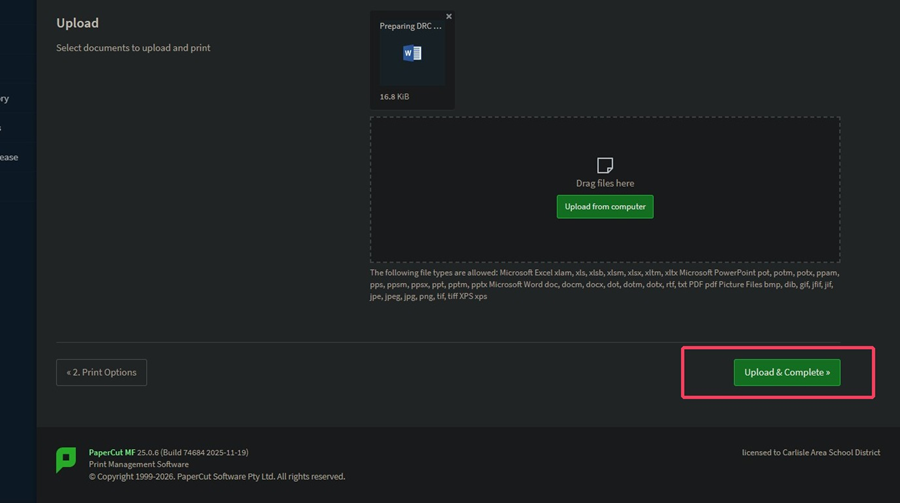
6. Upload your file in the Upload from computer box and click Upload & Complete when done