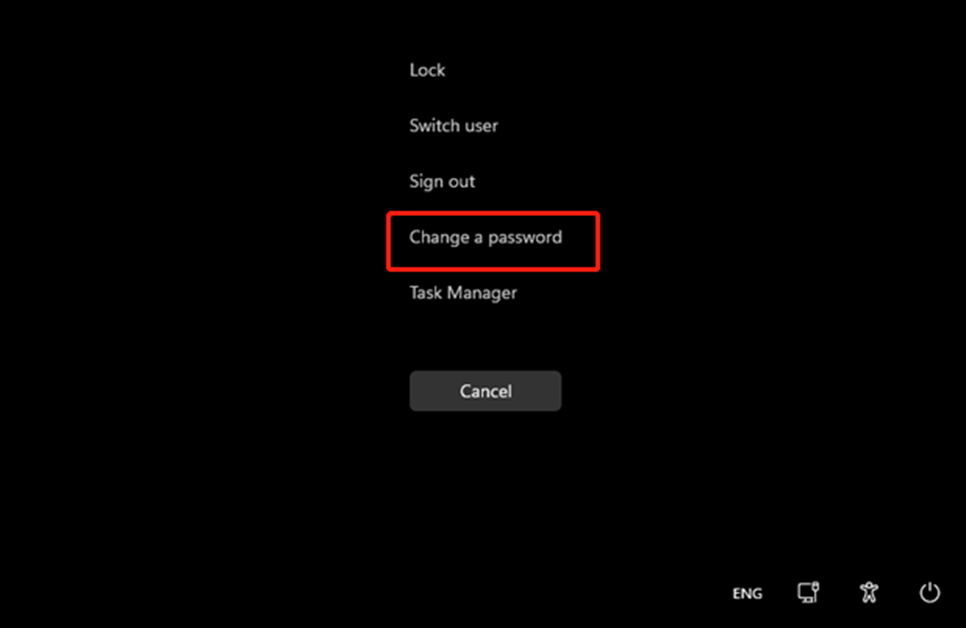
To change a password, press the Ctrl + Alt + Del keys together and you should get a screen with several options to choose from. Choose “Change a password”
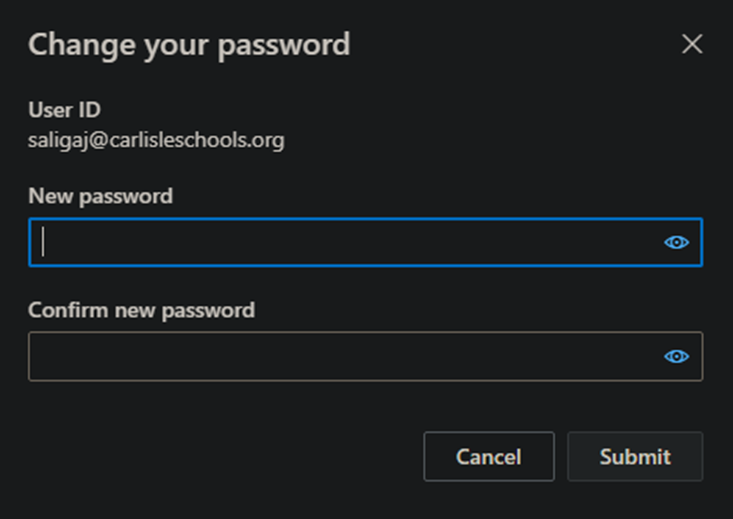
You will then be taken to this screen and are given a prompt to change the password and confirm it.
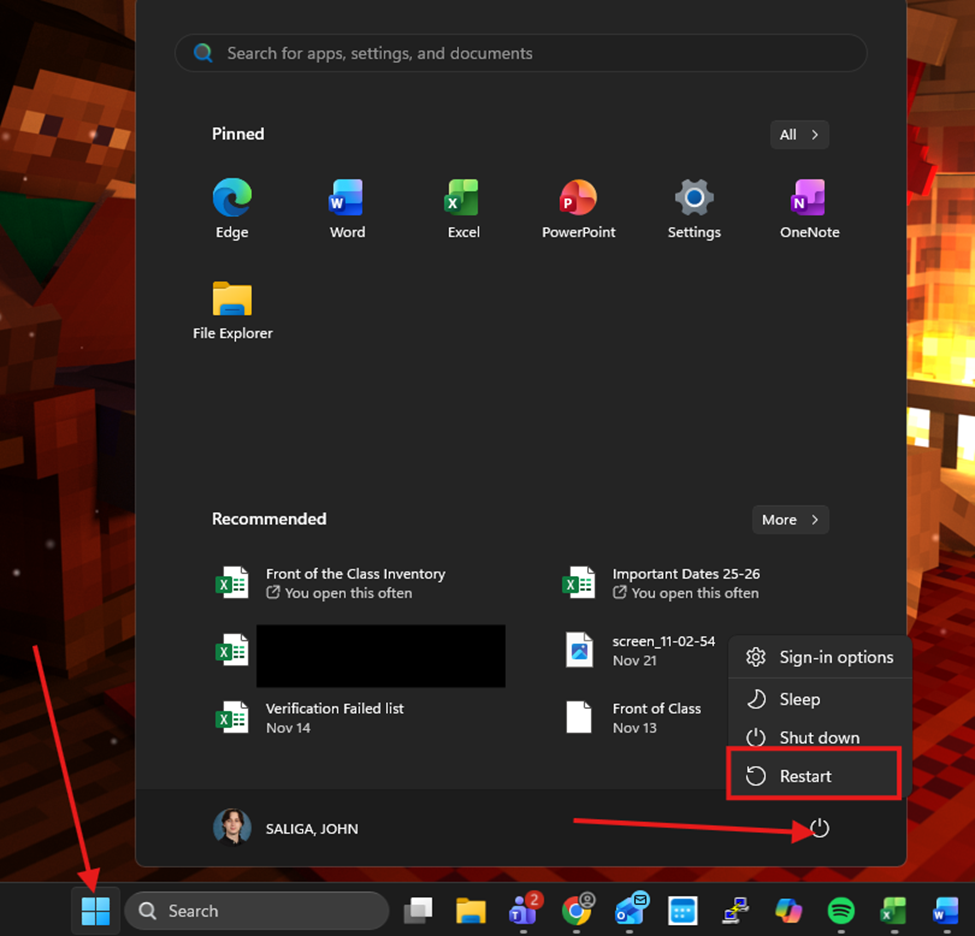
After submitting your new password, restart your device by pressing the Windows key or clicking on the Windows icon at the bottom of the screen > click on the power icon > select Restart.
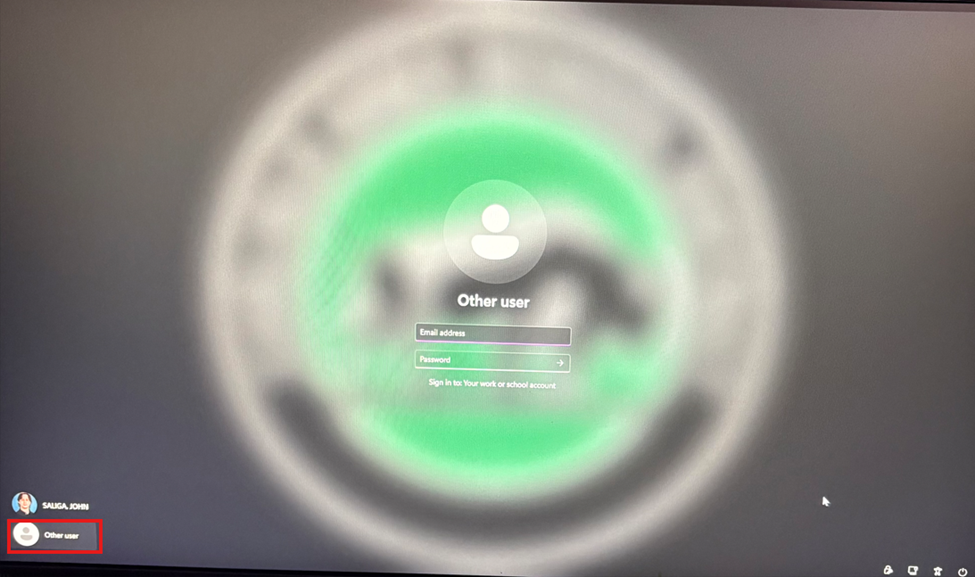
When the laptop restarts, you’ll be at a login screen. In the bottom left-hand corner, choose Other user. Log in with your full email address and new password.