1. In a new tab in your web browser, navigate to https://account.microsoft.com
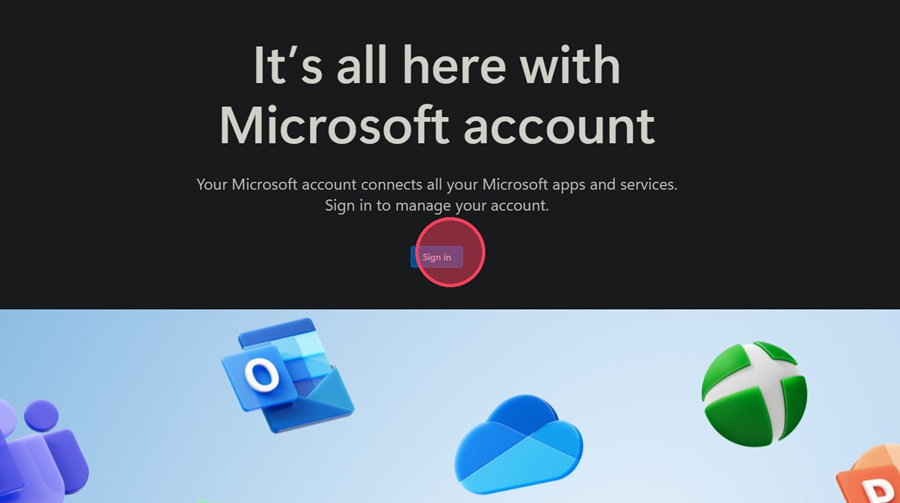
2. Click Sign in
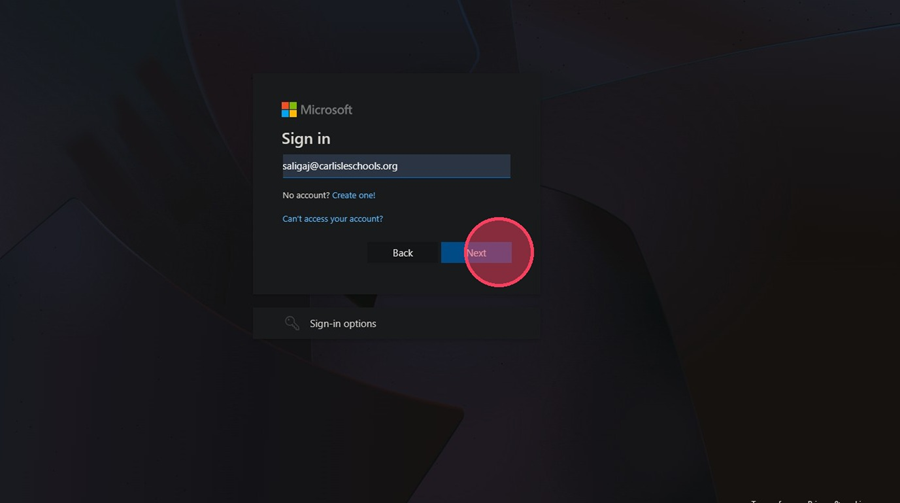
3. Type in your carlisleschools email address and select Next
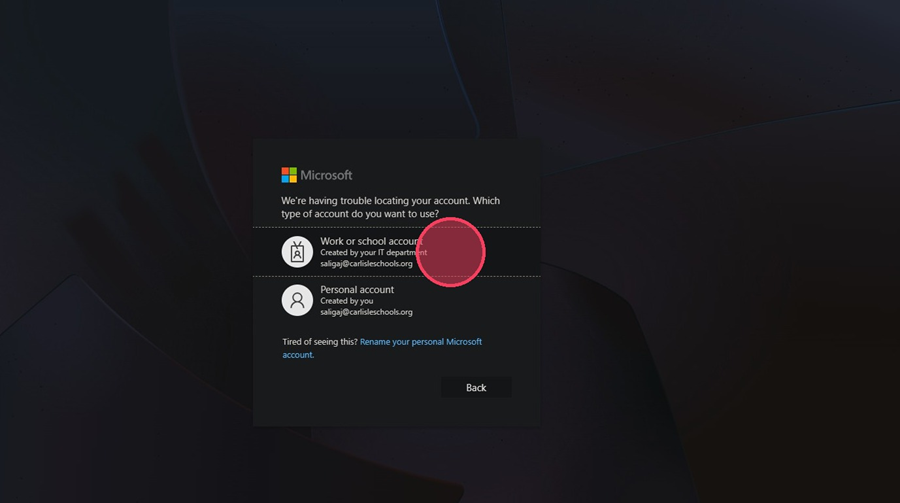
4. If prompted, choose the account made by the IT department
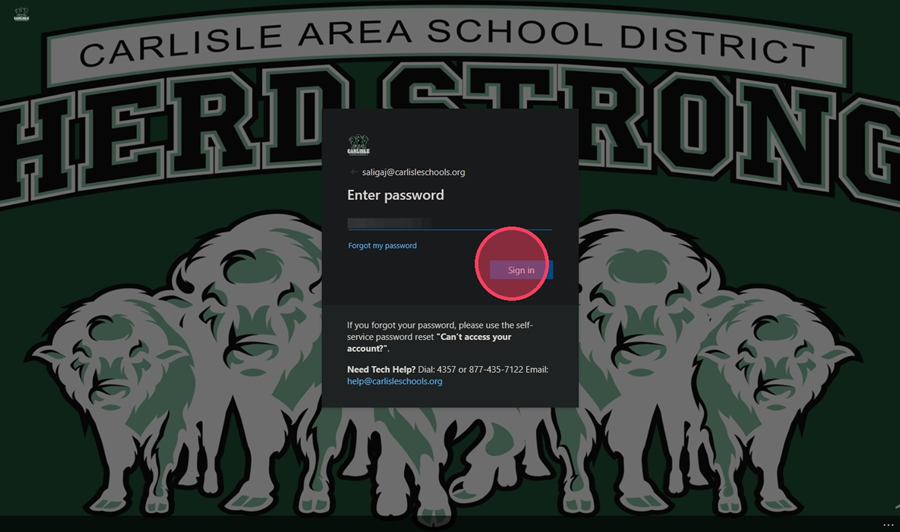
5. Enter your password and hit Sign in
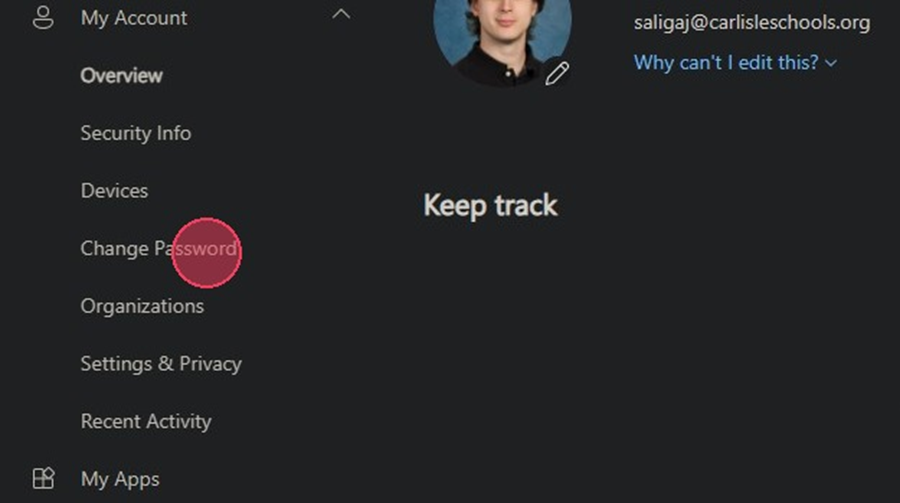
6. On the left-hand side menu, select Change Password
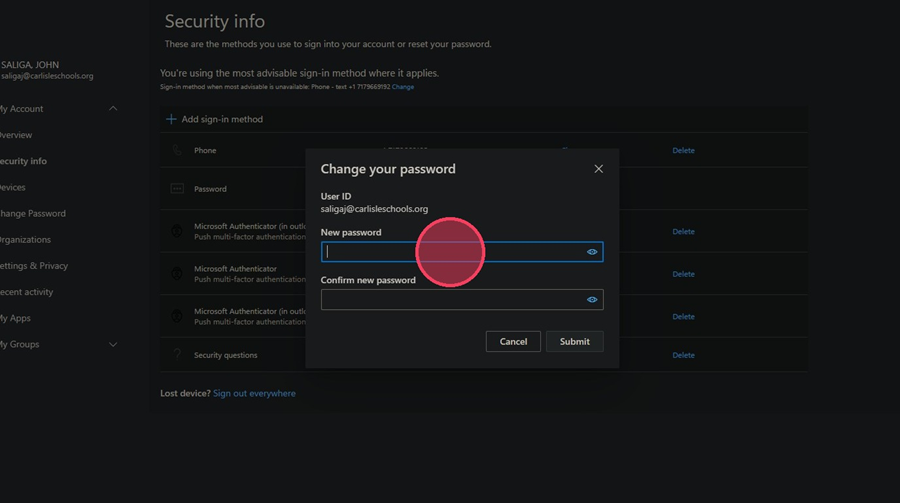
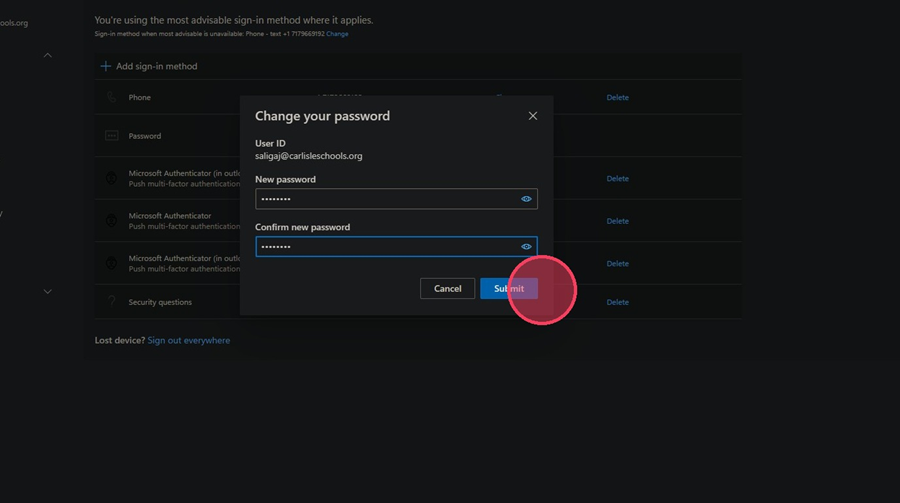
7. Type in your new password and confirm it. Click Submit when done