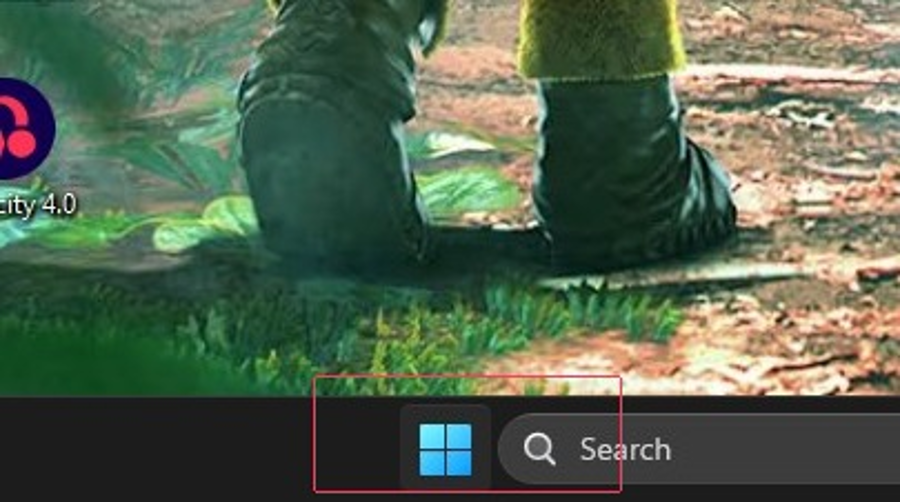
1. Click the Start icon or press the Windows key
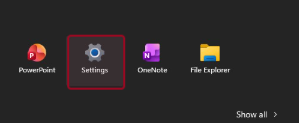
2. Click Settings
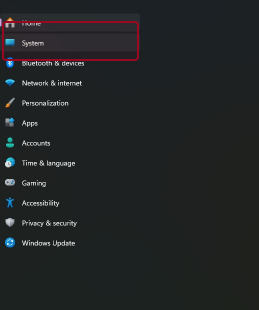
3. Go to the System tab
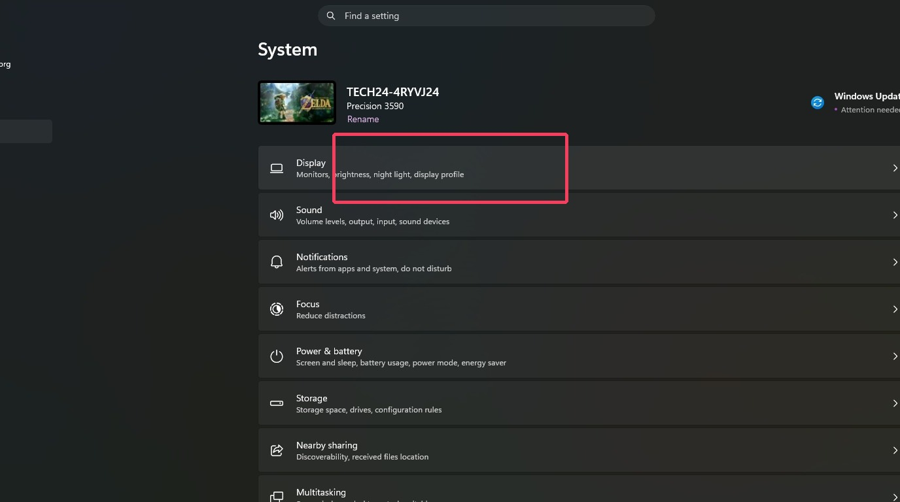
4. Select Display
5. Make sure screens are Extended and click Identify to display number
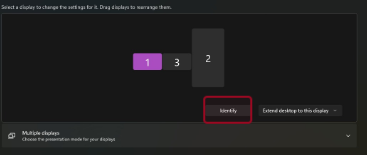
6. Rearrange displays by clicking and dragging them. Select apply
1. Click the Start icon or press the Windows key
2. Click Settings
3. Go to the System tab
4. Select Display
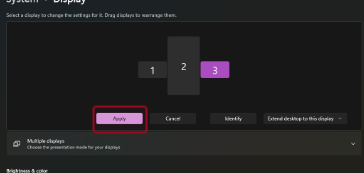
5. Make sure screens are Extended and click Identify to display number
6. Rearrange displays by clicking and dragging them. Select apply